
Design guide
Designing for a tote bag
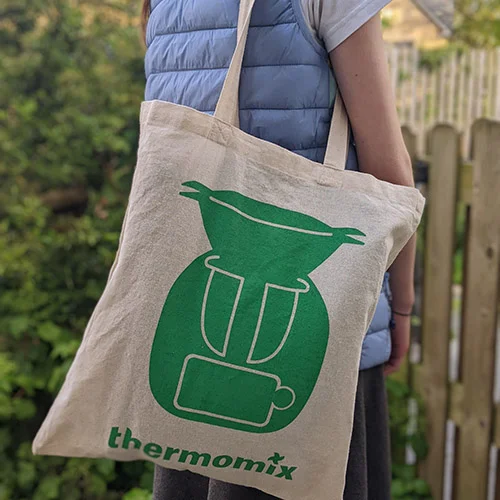
Design in flat colours, keep it bold, and count every ink. Our bags are screen printed in 1 to 4 spot colours, so the designs that print best use a few solid colours, clean shapes, and lines and text big enough to hold on woven fabric. Use the colour of the bag as part of the design, and send a vector file if you have one.
7 min read · Updated 24 September 2026
Start with how the bag will be used
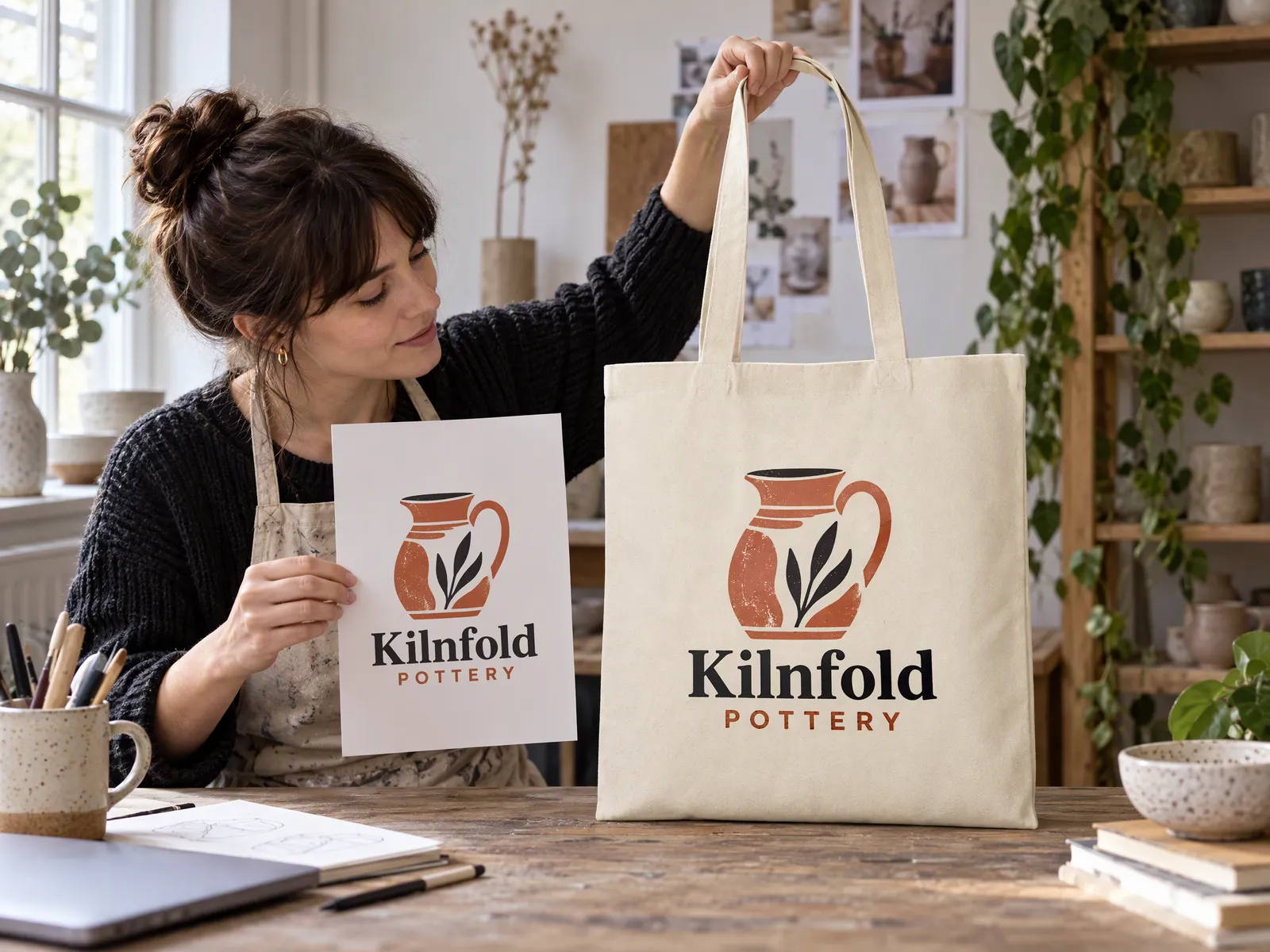
Before you open any design software, think about who will carry the bag and where. It changes the design more than anything else.
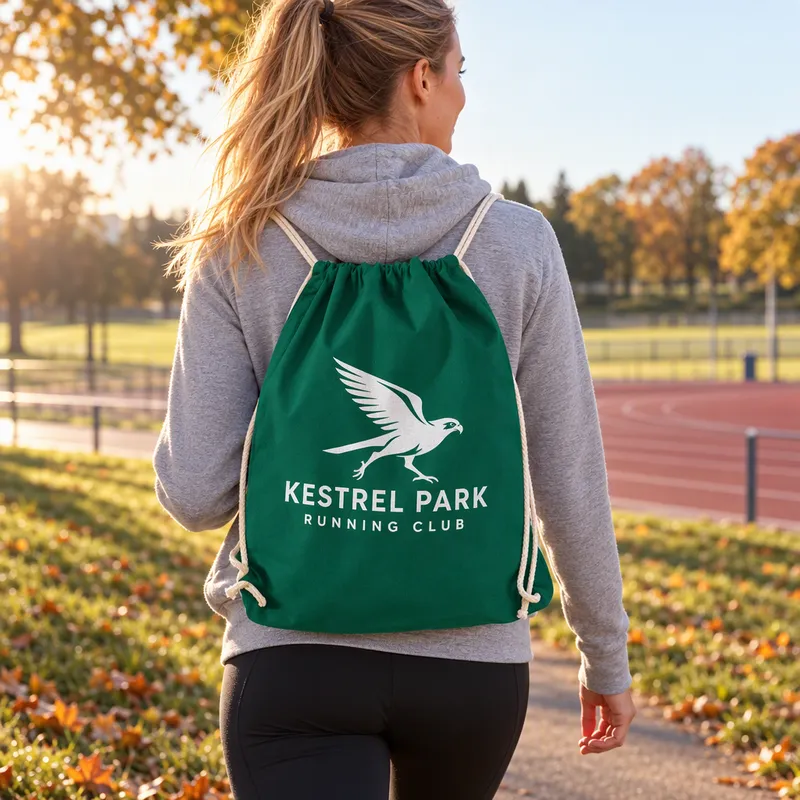
- A giveaway or event bag needs to say who it's from at a glance. A clear logo and perhaps a web address or a short line is plenty. Our conference bags page has more on this.
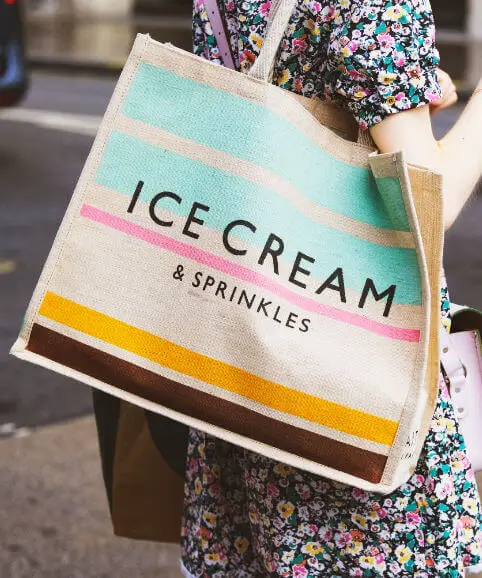
- A bag you're selling has to be something people want to carry for its own sake. Illustrations, a witty line or a local landmark sell; a big corporate logo rarely does. See our merch tote bags page.
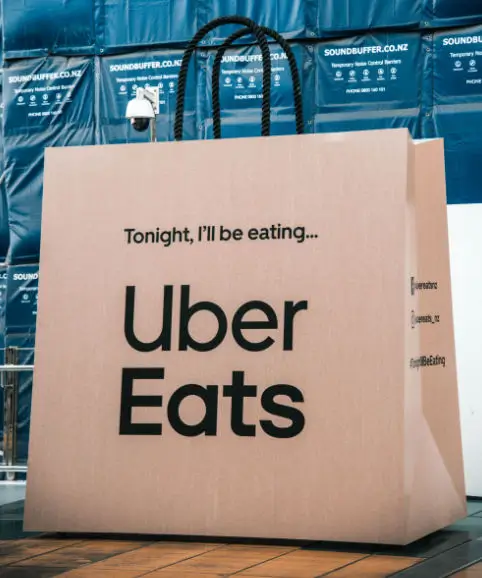
- A shop bag works hardest when it's simple and recognisable from across the street: your name, your mark, and plenty of space around them.
The bags that get kept and carried for years are the ones people like. That's good for your brand, and it's what makes a reusable bag worth making. Need ideas? Our tote bag design ideas post has plenty, sorted by industry.
Design in spot colours
Screen printing prints each colour from its own screen, using inks mixed to a single flat shade. So the first rule is to design with a small number of solid colours, and to count them as you go:
- Every ink is a colour, including black and white.
- The bag is free. Any part of the design that's the same colour as the bag isn't printed at all.
- A lighter shade of the same colour usually needs its own ink, so it counts as another colour.
- Gradients, shadows and photos don't break down into a few flat inks. Redraw them as solid shapes, or see our print methods guide for other options.
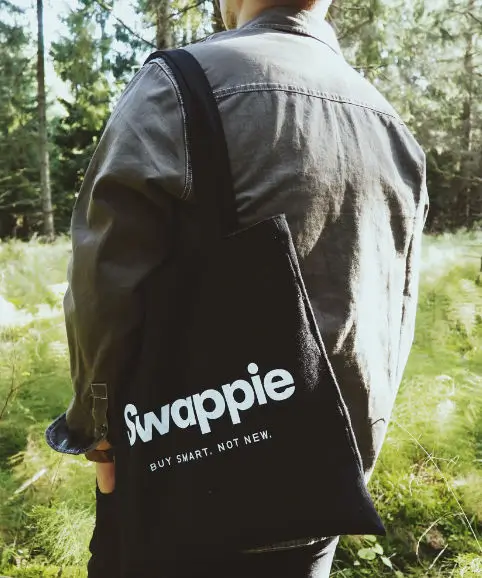
- Light inks on dark bags need a white underbase, which counts as one more colour. Our guide to printing on dark bags explains.
| Design | Bag | Colours |
|---|---|---|
| Black logo | Natural | 1 |
| Navy and gold logo | Natural | 2 |
| White logo | Black | 1 |
| Yellow logo | Black | 2 (underbase and yellow) |
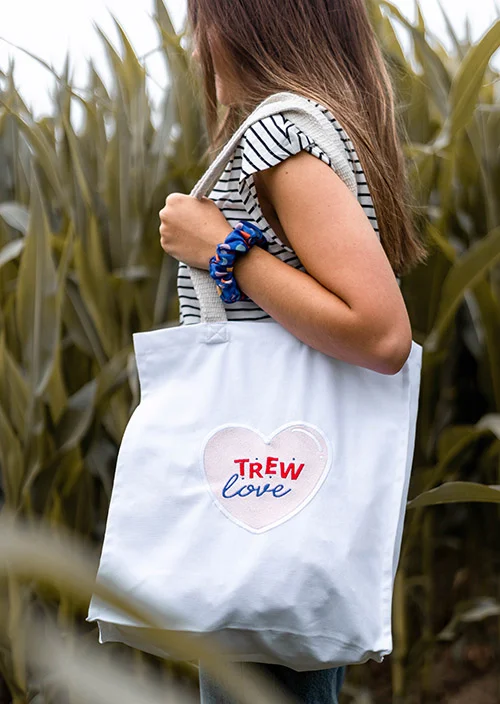
| Red, green and black illustration | White | 3 |
Each extra colour adds a screen charge and a little to the price of every bag, so it's worth asking whether a colour is earning its place. Many of the best bag designs use one or two. Our colour cost calculator shows what each one adds, and our Pantone and spot colours guide covers matching your brand colours.
Use the bag as a colour
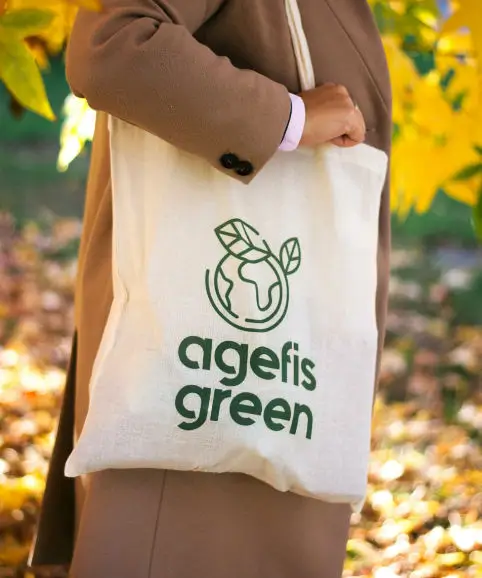
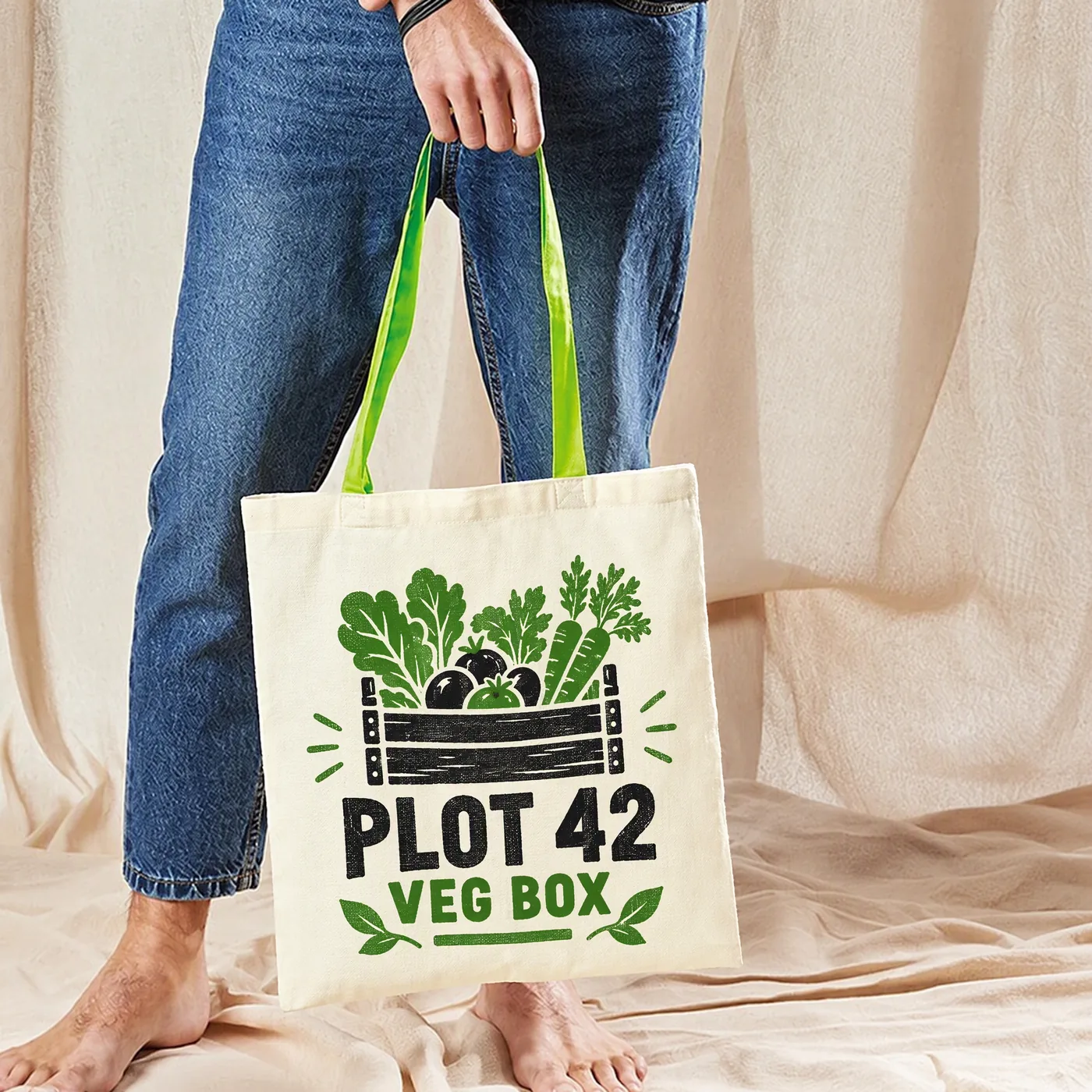
The colour of the bag is part of your palette, and it costs nothing. A one-colour print on a coloured bag looks like two colours. Letters or shapes left unprinted, so the fabric shows through, can be as striking as the ink around them.
Match the bag to your brand where you can: our Cotton Tote Bag Long Handle comes in 48 colours. Our Cotton Tote Bag Contrast Handle adds a second colour in the handles, which you can pick up in your ink. Browse by colour, from natural bags to red bags and green bags.
Check your design against the bag
A sheet of A4 or A3 paper is a handy stand-in for a big front print. Pick a bag to see how they compare at real scale.
- A4 brochureFits
- A3 poster, flatToo big
38 cm wide, 42 cm tall, about 10 litres. See this bag
Size, placement and detail
How big should the design be?
The print sits on the flat front of the bag, clear of the seams, the hem at the top and the stitching where the handles join. On a standard 38 x 42cm shopper, a large front print is often around A4 size, while a small logo might be 10cm wide. On gusseted totes the print goes on the front face, and on our jute bags with canvas panels it goes on the canvas.
The simplest test is to print your design at full size on paper, cut it out and hold it against a bag, or against an unprinted sample from the bag's page. Things that look big on screen often look small on a bag, and the other way round. Tell us the size you want when you order, and your proof will show it on the bag before anything is printed.
Lines and text
Woven fabric isn't as smooth as paper. Ink sits on a textured surface, so very thin lines can break up and tiny text can fill in. As a rule of thumb:
- Keep lines no thinner than about half a millimetre, and a little bolder on heavy canvas and jute.
- Keep text large enough to read at arm's length. Small print on a bag goes unread anyway.
- Make text that's reversed out of a solid colour, so the fabric shows through, a touch bolder than you would on paper.
- Avoid hairline slivers of one colour squeezed between two others. Each colour is a separate screen, and slivers are hard to line up.
Our free artwork check will flag anything too fine before you order.
Both sides
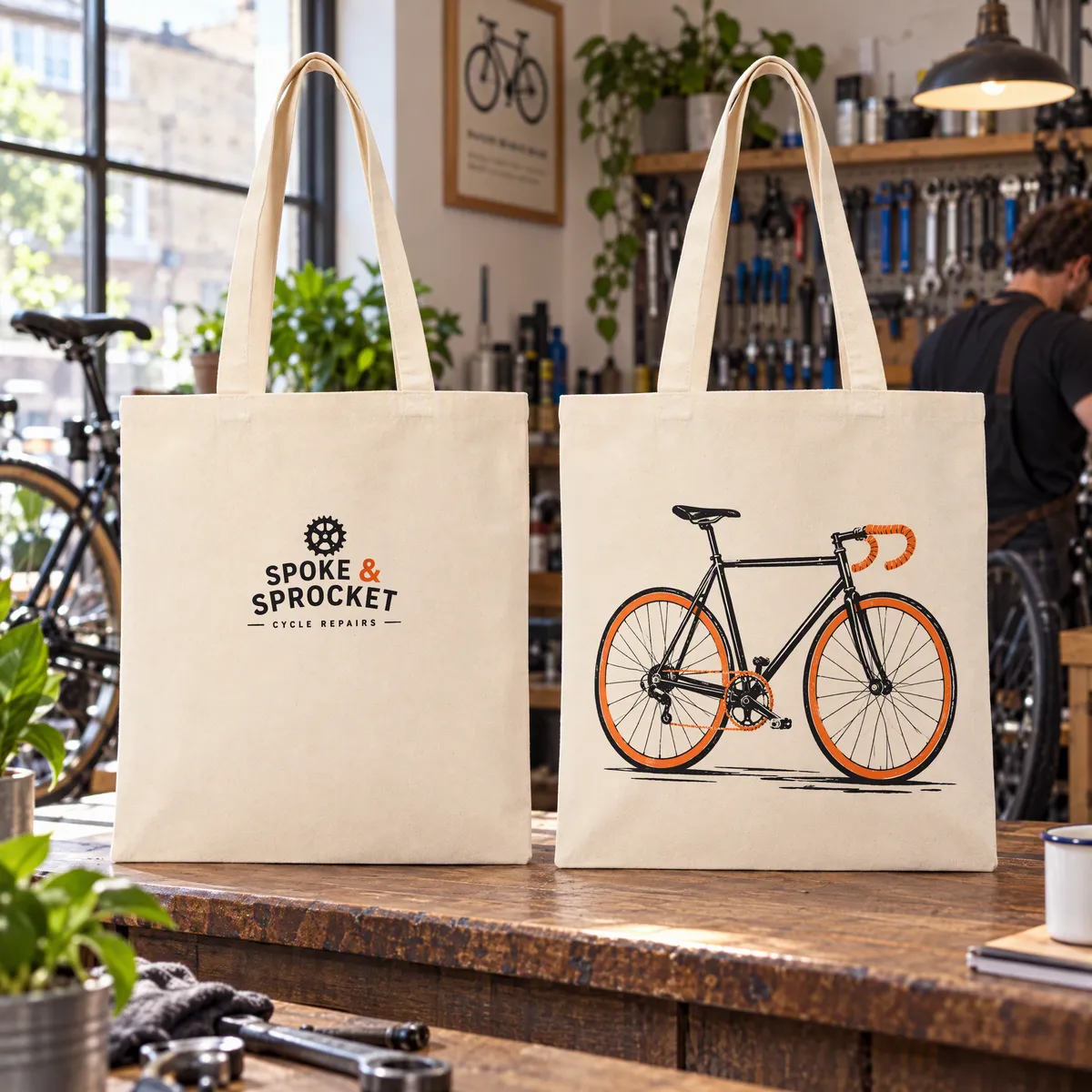
You can print both sides, with the same design or a different one on the back. Each side has its own screens, so a second side is priced as a second print. Some of the best bags keep the logo small on one side and put the fun on the other.
Before you send your artwork
- Send a vector file if you can: PDF, AI or EPS. A high-resolution PNG or JPG works for a simple logo. What is a vector file?
- Made it in Canva? Download it as a PDF Print file. Our vector files guide walks through it.
- Convert text to outlines, or send the fonts, so the lettering can't change.
- List your ink colours, with Pantone references if they must match exactly.
- Send one design per side, without mock-up backgrounds, shadows or crop marks.
- Say how big you want the print, or tell us to fit it to the bag.
- Remember every bag gets the same print. For a team, class or wedding, put all the names on one shared design.
Questions people ask
How do I design a tote bag in Canva?
Set up a page the size you want the print to be, design in a few flat colours on a transparent or plain background, and download it as a PDF Print file. Send that with your order, and we'll check it for free and email a proof. More on Canva files.
What size should my tote bag design be?
It depends on the bag and the look you want. On a standard 38 x 42cm shopper, a large front print is often around A4 size, and a logo might be 10cm wide. Tell us the size you want, and the proof will show it on the bag.
Can I print a photo on a tote bag?
Photos don't suit screen printing, which lays down a few flat inks. A bold, simplified version of the image in one to four colours usually looks better on a bag. Our print methods guide covers other options.
Can I have a different design on each side?
Yes. Each side is printed from its own screens, so the back can carry a different design, in different colours if you like.
Can each bag have a different name?
No. Screen printing puts the same print on every bag. For weddings, schools and teams, a single design with everyone's names on it works well.
Will you check my design before printing?
Yes. We check every file for free and email a proof. Nothing is printed until you approve it.
Got a design ready?
Send it over and we'll check it for free, or pick a bag and see the live price for your number of colours.